Security
The $470 Million Text Scam
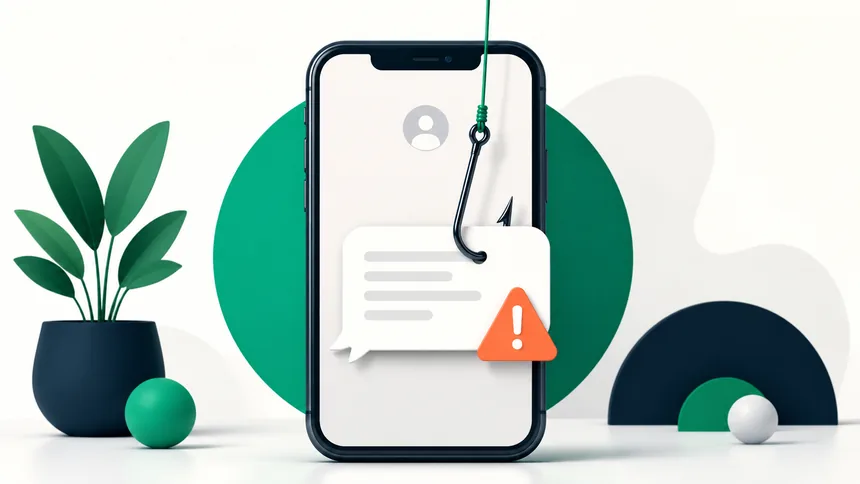
The five smishing scams stealing millions in 2026 — and the 3-second check that stops every one.

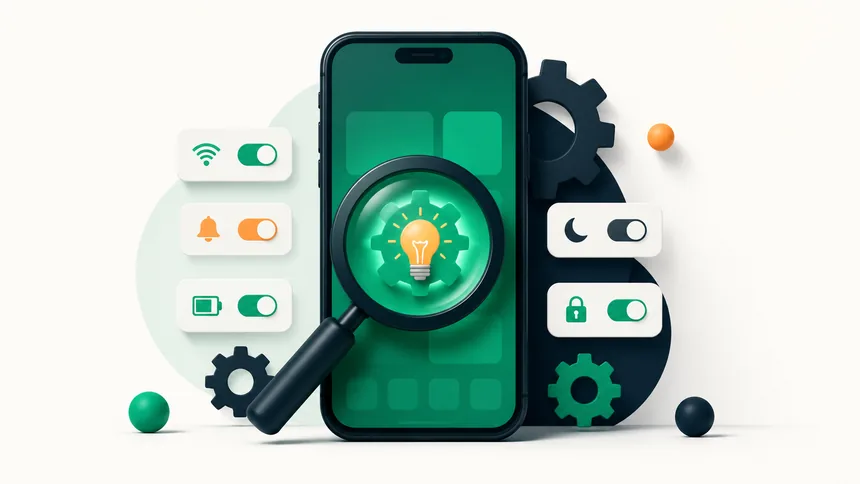
Android is packed with clever features that most people never discover, tucked away in menus you rarely open. Flip on a few of these and your phone will feel faster, smarter, and more yours. Here are nine hidden Android settings worth trying today.
In Settings → About phone, tap the build number seven times to unlock Developer options. There, lowering the animation scales makes the whole phone feel snappier instantly. (Leave the rest alone unless you know what it does.)
Many Android phones (and Google's own tools) let you lock specific apps — banking, chat, photos — behind a fingerprint or PIN, so even someone holding your unlocked phone can't open them.
Long-press text anywhere to copy it, and use Google Lens (built into the camera or Photos) to copy text from a photo, translate a sign, or scan a document — no extra app needed.
In Settings → System → Gestures, enable one-handed mode to pull the top of the screen down to your thumb — a lifesaver on big phones.
Turn on Data Saver to stop background apps from using mobile data, stretching a limited plan much further.
Send photos and files instantly to nearby Android phones (and now some other devices) without apps or cables — Android's answer to AirDrop.
Set automatic quiet hours for sleep or work, while still letting calls from favorite contacts ring through.
Add medical info and emergency contacts that are reachable from the lock screen, and learn how your phone's emergency SOS gesture works — it could matter one day.
Instead of deleting, archive apps you rarely use: the app is removed but its data and icon stay, and it re-downloads with a tap. A quick win when you're low on storage.
Most do, though menu names vary by brand (Samsung, Xiaomi, Motorola). Search your settings for the feature name if the path differs.
Yes, as long as you only change the animation scales. Avoid other developer toggles unless you understand them.
Lowering animation scales in Developer options and clearing space are the two quickest wins.
The five smishing scams stealing millions in 2026 — and the 3-second check that stops every one.
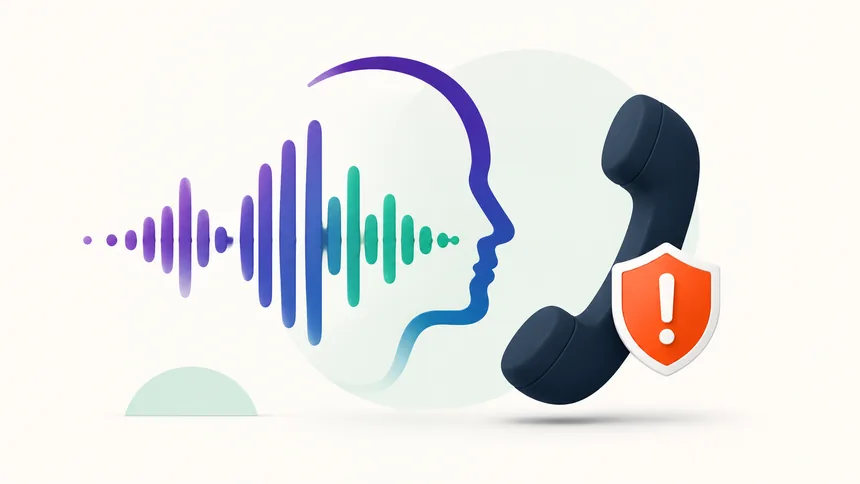
Criminals can clone a loved one's voice from seconds of audio. Here's how to protect your family.
The overlooked features — from Back Tap to document scanning — that save you time every day.