Security
The $470 Million Text Scam
The five smishing scams stealing millions in 2026 — and the 3-second check that stops every one.
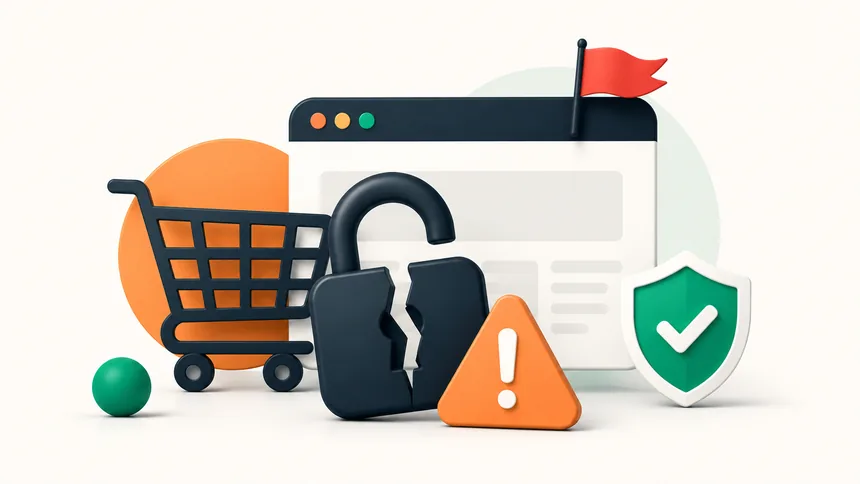
Fake online stores have never looked more convincing. Scammers copy real logos, run polished ads, and dangle prices that are too good to pass up — then take your money and either send nothing or steal your card details. Before you check out anywhere new, run these seven quick checks. Most fakes fail at least one.
An 80%-off designer item or a sold-out console at half price is the oldest bait there is. Real stores rarely undercut everyone else by a wide margin. If the deal feels unreal, that's your first red flag — verify everything else before you trust it.
Check the domain in the address bar carefully. Scammers register lookalikes — extra words, odd endings, or a tiny misspelling of a famous brand. The padlock icon only means the connection is encrypted; it does not mean the store is honest. Plenty of scam sites have a padlock too.
This is the biggest tell. Legitimate shops accept credit cards and known checkout systems that let you dispute a charge. Be very wary if a site pushes you toward bank transfers, wire payments, gift cards, or crypto — those are hard or impossible to reverse, which is exactly why scammers prefer them.
A real business tells you who they are. Look for a physical address, a working phone number, and a real support email (not just a contact form). No company details, or only a generic Gmail address, is a warning sign.
On-site reviews can be faked. Search the store's name plus the word "scam" or "reviews" and read what comes up on independent sites. A store with zero footprint anywhere else on the internet — or a wave of angry complaints — should be avoided.
Awkward wording, broken links, mismatched fonts, or product photos lifted from other sites all suggest a page thrown together fast. AI has made scam text cleaner than it used to be, so don't rely on spelling alone — but obvious sloppiness is still a giveaway.
Many scam shops are only days or weeks old. You can look up a domain's registration date with a free "whois" lookup. A "20-year-established brand" running on a domain registered last month is lying to you.
The same instincts protect you elsewhere online. If you get unexpected messages pushing you to a checkout link, read our guide to the text scams flooding phones in 2026.
No. It only means the connection is encrypted. Scam sites can have a padlock too. Judge the store by its payment options, contact details, and reputation.
A credit card or a well-known checkout system, because both let you dispute a charge. Avoid bank transfers, gift cards, and crypto with unfamiliar sellers.
Use a free "whois" domain lookup to see the registration date. A very recent date on a store claiming to be long-established is a red flag.
The five smishing scams stealing millions in 2026 — and the 3-second check that stops every one.
Criminals can clone a loved one's voice from seconds of audio. Here's how to protect your family.
The overlooked features — from Back Tap to document scanning — that save you time every day.