Security
The $470 Million Text Scam
The five smishing scams stealing millions in 2026 — and the 3-second check that stops every one.
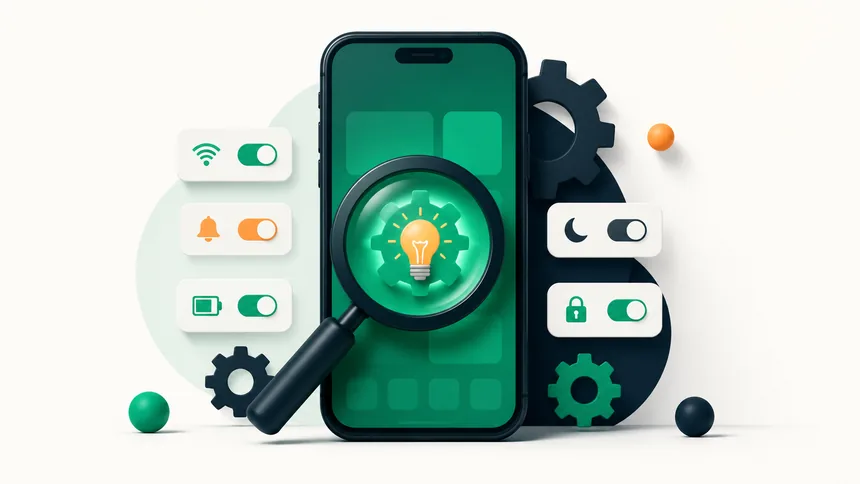
If your phone is gasping for a charger by mid-afternoon, a handful of settings are usually to blame — not a worn-out battery. Turn off these seven battery-draining settings tonight and most phones will comfortably last the whole day.
The display is the single biggest battery drain. Lower your brightness, or enable auto-brightness so it adapts to your surroundings, and set a shorter screen timeout so it doesn't stay lit when you set the phone down.
Many apps quietly update in the background all day. On iPhone, go to Settings → General → Background App Refresh and disable it for apps that don't need it. On Android, restrict background activity for rarely used apps. You'll barely notice the difference — except in your battery life.
Apps set to use your location constantly are a heavy drain (and a privacy issue). Review location permissions and switch apps to "While Using" instead of "Always" wherever possible.
Email set to "push" wakes your phone every time a message arrives. Switching to fetch every 15 or 30 minutes saves power, and disabling sync for accounts you don't actively use helps too.
An always-on display and a high refresh-rate screen (90Hz or 120Hz) look great but cost battery. Turning off always-on display, or letting the phone drop to a lower refresh rate automatically, noticeably extends your day.
Bluetooth, personal hotspot, and Wi-Fi searching in areas with no signal all sip power in the background. Turn off what you're not actively using. If you're somewhere with weak cellular signal, that constant searching drains fast — airplane mode can actually help.
This is the one setting to enable, not disable. Low Power Mode (iPhone) or Battery Saver (Android) trims background activity automatically. You don't have to wait until 20% — leave it on whenever you want your charge to stretch further.
If you've done all this and the phone still dies quickly, check your battery health in settings. Below roughly 80% capacity, a battery replacement is far cheaper than a new phone and can make an old device feel new again. A slow phone often has the same root causes — see our guide to speeding up a slow phone.
The screen, followed by background app activity, constant location tracking, and searching for signal in low-coverage areas.
Not really. Force-closing apps you'll reopen can actually use more power. Limiting background refresh is far more effective.
No. It simply reduces background activity. Many people leave it on permanently with no downside beyond slightly delayed background updates.
The five smishing scams stealing millions in 2026 — and the 3-second check that stops every one.
Criminals can clone a loved one's voice from seconds of audio. Here's how to protect your family.
The overlooked features — from Back Tap to document scanning — that save you time every day.