Security
The $470 Million Text Scam
The five smishing scams stealing millions in 2026 — and the 3-second check that stops every one.
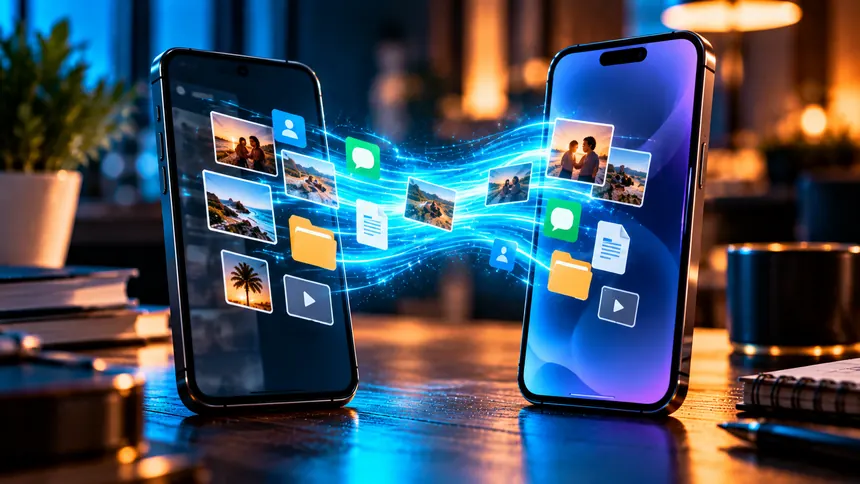
Got a new phone? The exciting part is setting it up — the stressful part is moving years of photos, chats, and apps without losing anything. Whether you're staying with the same system or switching between iPhone and Android, this guide walks you through transferring everything smoothly.
Never begin a transfer without a fresh backup. On iPhone, back up to iCloud or a computer. On Android, back up to your Google account. This is your safety net — if anything goes wrong, nothing is lost. It's worth reading our full guide on managing your phone's photos and storage first, so you only carry over what you want.
This is the smoothest scenario. Both Apple and Google offer near-automatic transfers:
Photos, contacts, messages, and most apps come across automatically.
Crossing systems takes a bit more care. Both companies offer dedicated apps and guides to move contacts, photos, calendars, and messages. The move works — just expect to re-download apps from the new store and re-sign in, since paid apps and some data don't cross platforms.
WhatsApp chat history is tied to a backup. Staying on the same system, just restore from your cloud backup when you install WhatsApp on the new phone. Crossing between iPhone and Android is possible but needs WhatsApp's official "move chats" tool during setup — do this carefully, as skipping it can leave old chats behind.
Then enjoy the fresh start — and keep it fast with our tips on avoiding a slow phone.
Not if you back up first. Backing up to iCloud or Google (or using Google Photos) keeps everything safe during the move.
Yes, using WhatsApp's official "move chats" tool during the new phone's setup. Follow it carefully to keep your chat history.
Confirm everything transferred, then do a factory reset to erase your data before selling, gifting, or recycling it.
The five smishing scams stealing millions in 2026 — and the 3-second check that stops every one.
Criminals can clone a loved one's voice from seconds of audio. Here's how to protect your family.
The overlooked features — from Back Tap to document scanning — that save you time every day.