Security
The $470 Million Text Scam
The five smishing scams stealing millions in 2026 — and the 3-second check that stops every one.
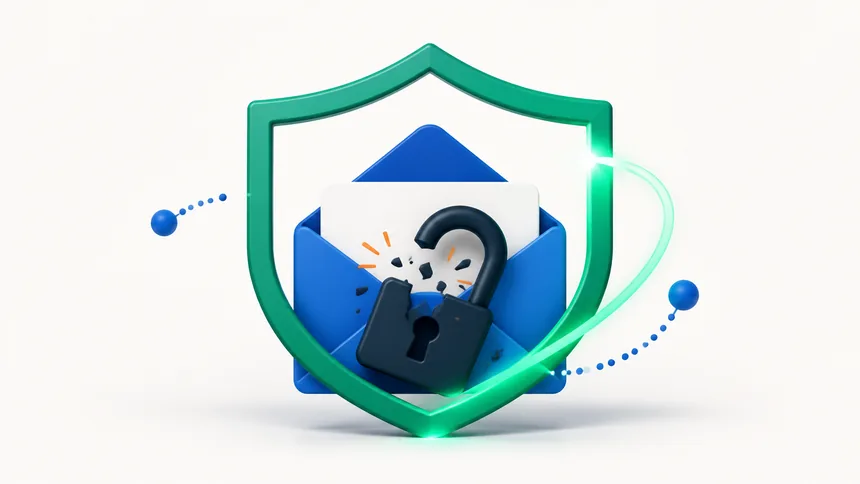
Your email is the master key to your digital life — password resets for your bank, social media, and shopping accounts all flow through it. So if it's been hacked, speed matters. Don't panic. Work through these steps in order and you can lock the intruder out and take back control.
Common red flags: you can't log in even though the password is right, friends receive messages you never sent, your sent folder has emails you don't recognize, or you get security alerts about logins from unfamiliar places.
If you can still log in, change your password right away to something long and unique. If you're locked out, use your provider's "forgot password" or account-recovery page to reclaim it. The faster you do this, the less damage a hacker can do.
Changing the password isn't enough if the hacker has an active session. In your account's security settings, look for an option like "sign out all devices" or "manage active sessions" and end every session but your own.
This is the single most important step. With 2FA, a stolen password alone is useless — a login also needs a code from your phone. Enable it and, ideally, use an authenticator app rather than text messages, which can be intercepted.
Smart intruders leave ways back in. Review these settings carefully:
If the hacker had access for a while, they may have reset passwords elsewhere. Change passwords on your most important linked accounts — banking, social media, shopping — starting with anything that shares the old password.
Let friends and family know your email was compromised so they ignore any strange messages "from you" — especially urgent requests for money or links. This stops the scam from spreading through your name.
Keep 2FA on, use a unique password here, and check whether your address has appeared in known data breaches using a reputable breach-checking site. If it has, change any password you reused. Being cautious with links protects you from the phishing that causes most hacks in the first place — the same skill that stops fake online stores.
Change the password immediately (or recover the account if you're locked out), then sign out of all devices and turn on two-factor authentication.
Usually through a phishing link, a reused password exposed in a data breach, or malware. Unique passwords and 2FA close all three doors.
Usually not necessary. Recover and secure the existing one — starting over means losing access to everything linked to it. Only consider it if recovery truly fails.
The five smishing scams stealing millions in 2026 — and the 3-second check that stops every one.
Criminals can clone a loved one's voice from seconds of audio. Here's how to protect your family.
The overlooked features — from Back Tap to document scanning — that save you time every day.