Security
The $470 Million Text Scam
The five smishing scams stealing millions in 2026 — and the 3-second check that stops every one.
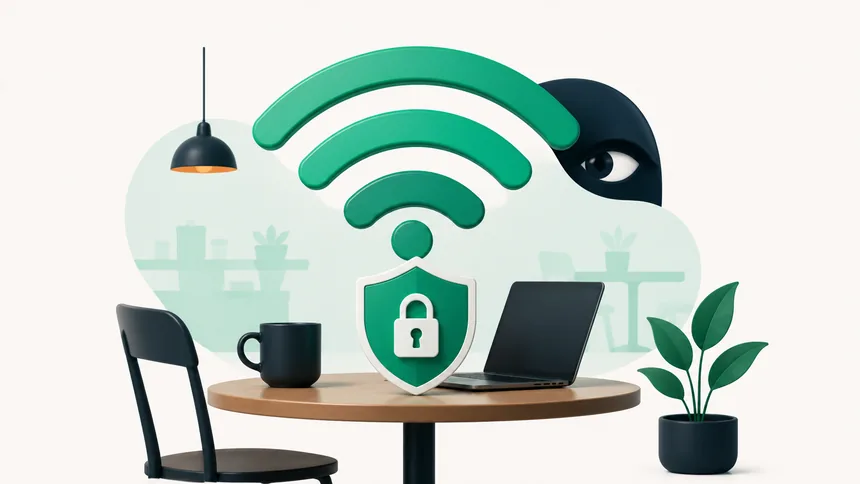
Free public Wi-Fi at the airport, café, or hotel feels like a gift — but it can be a trap. On an open network, others can potentially snoop on what you send, and fake "free Wi-Fi" hotspots are set up specifically to steal your data. The good news: a few simple habits let you use public Wi-Fi safely. Here's how.
On an open network with no password, data can travel in a way others on the same network may intercept. Most major websites now encrypt traffic (the address starts with https), which protects a lot — but not everything, and not if you're tricked into a fake site or network.
Scammers create a hotspot with a friendly name like "Free Airport WiFi" or "Cafe_Guest." Connect to it and everything you do can flow through the attacker's equipment. It looks identical to a real network — the name alone proves nothing.
A reputable VPN encrypts your connection, so even on a risky network your traffic is scrambled. It's the single most effective tool for frequent public-Wi-Fi users. Choose a well-reviewed paid provider — "free" VPNs sometimes monetize your data, which defeats the purpose.
Often the simplest answer is to skip public Wi-Fi entirely and use your phone's mobile data or personal hotspot for anything sensitive. Modern data plans and a well-managed phone make this easy. If you travel, an eSIM or local data plan can be cheaper and safer than hunting for open networks.
It's best avoided. Use your mobile data for banking and shopping, or a reputable VPN if you must use public Wi-Fi.
A trustworthy VPN greatly reduces the risk by encrypting your traffic. Avoid free VPNs that may sell your data.
You often can't by looks alone. Confirm the exact network name with staff, turn off auto-connect, and avoid sensitive logins on any open network.
The five smishing scams stealing millions in 2026 — and the 3-second check that stops every one.
Criminals can clone a loved one's voice from seconds of audio. Here's how to protect your family.
The overlooked features — from Back Tap to document scanning — that save you time every day.