Security
The $470 Million Text Scam
The five smishing scams stealing millions in 2026 — and the 3-second check that stops every one.
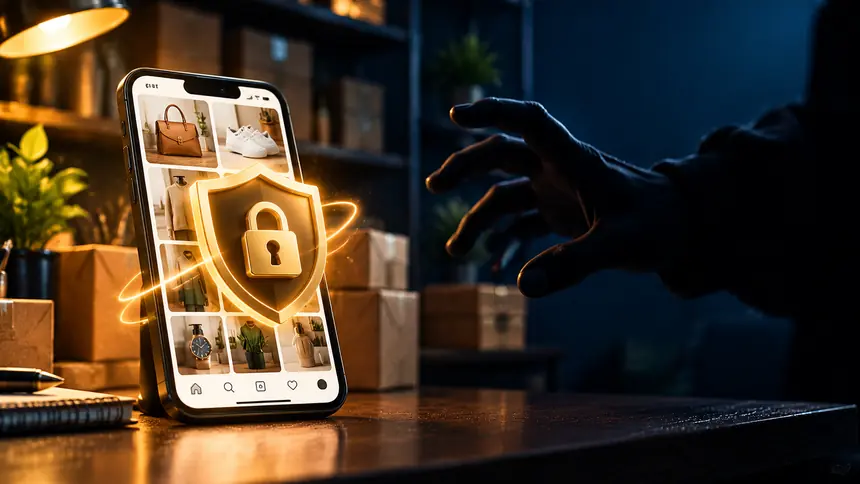
Losing access to your Instagram account is stressful — especially if it's tied to your business, your customers, or years of memories. The good news: if you act fast, you can often recover it. This step-by-step guide walks you through getting your account back and locking it down so it doesn't happen again.
Common signs: you're logged out and your password no longer works, your email or phone number was changed, posts or messages appear that you didn't create, or Instagram emails you about a login or email change you didn't make.
If you catch it early and still have any access:
If you're fully locked out, use Instagram's official account-recovery flow: on the login screen tap "Forgot password," then "Get help logging in." Instagram can send a login link or a security code to your email or phone. If the hacker changed those, follow the "My account was hacked" path, where Instagram may ask you to verify your identity with a video selfie to prove you're the real owner.
A hacked business account can mean lost sales and scammed followers. Beyond recovery, immediately post from any backup channel (a second account, WhatsApp, email list) to warn customers not to click links or send money "from you." If your account is linked to a Meta Business/Facebook account, use that connection to help prove ownership.
That phishing instinct protects every account you own — the same skill that spots a fake online store or a hacked email.
Often yes. Check for Instagram's "your email was changed" message with a revert link, and use the "My account was hacked" recovery flow, which can verify you with a video selfie.
Sometimes minutes with the revert link; identity-verification recovery can take a few days. Acting quickly always improves your odds.
Usually through phishing links or reused passwords exposed in a breach. Two-factor authentication and a unique password stop most attacks.
The five smishing scams stealing millions in 2026 — and the 3-second check that stops every one.
Criminals can clone a loved one's voice from seconds of audio. Here's how to protect your family.
The overlooked features — from Back Tap to document scanning — that save you time every day.